AnyInt Docs

Quickstart

Make your first AnyInt request with the OpenAI-compatible gateway, then discover models and choose the right API family for production.

AnyInt is designed to remove the friction of using advanced AI models. Instead of spending time wiring multiple providers, comparing different API styles, and guessing which model to use, you start with one gateway and one key flow.

The fastest path is to begin with the OpenAI-compatible endpoint, confirm which model IDs are available to your account, and then expand into provider-native or media workflows only when you need them.

What you need before you start

  • An AnyInt API key
  • A model ID available to your account
  • An HTTP client or SDK

What AnyInt is helping you avoid

Without a platform layer, teams usually have to:

  • register with multiple providers separately
  • manage different auth and request formats
  • guess which model is good enough for a task
  • overuse expensive models because they are unsure what can be downgraded safely

AnyInt reduces that setup cost and provides a path toward smarter model selection through routing and policy.

Pick the right endpoint family

FamilyBase / PathAuth styleUse it when
OpenAI-compatiblehttps://gateway.api.anyint.ai/openai/v1Authorization: BearerYou already use the OpenAI SDK or want one simple chat entrypoint
Anthropic-compatiblehttps://gateway.api.anyint.ai/anthropic/v1x-api-key + anthropic-versionYou need Claude-style message bodies or token counting
Gemini-compatiblehttps://gateway.api.anyint.ai/gemini/v1betaAuthorization: BearerYou need Gemini-native generateContent, streaming, or function declarations
Models APIhttps://gateway.api.anyint.ai/openai/v1/modelsAuthorization: BearerYou want to discover model IDs before hardcoding them
AI Musichttps://gateway.api.anyint.ai/suno/*Authorization: BearerYou want song generation, cover workflows, lyrics, stems, or MV generation

Use the model ID returned by the models route or shown in your dashboard configuration. Do not assume that a public marketing name is enabled for your account.

  1. Create an AnyInt API key in the dashboard.
  2. Call GET /openai/v1/models to discover the model IDs visible to your account.
  3. Make a streamed request against POST /openai/v1/chat/completions.
  4. Move to Anthropic, Gemini, media, or AI Music routes only when you need a provider-native request format.
  5. Run Verify Your Integration before using the integration in production.

Python with the OpenAI SDK

from openai import OpenAI

client = OpenAI(
    base_url="https://gateway.api.anyint.ai/openai/v1",
    api_key="your-anyint-api-key",
)

response = client.chat.completions.create(
    model="claude-sonnet-4-6",
    stream=True,
    messages=[
        {"role": "system", "content": "You are a concise assistant."},
        {"role": "user", "content": "Say hello from AnyInt."},
    ],
)

for chunk in response:
    delta = chunk.choices[0].delta.content
    if delta:
        print(delta, end="")

This is the closest match to the OpenRouter-style "make your first request" flow, and it is the easiest starting point for apps that already use OpenAI-compatible clients.

Node.js with the OpenAI SDK

import OpenAI from "openai";

const client = new OpenAI({
  baseURL: "https://gateway.api.anyint.ai/openai/v1",
  apiKey: process.env.ANYINT_API_KEY,
});

const response = await client.chat.completions.create({
  model: "claude-sonnet-4-6",
  stream: true,
  messages: [
    { role: "system", content: "You are a concise assistant." },
    { role: "user", content: "Say hello from AnyInt." },
  ],
});

for await (const chunk of response) {
  const delta = chunk.choices?.[0]?.delta?.content;
  if (delta) process.stdout.write(delta);
}

cURL

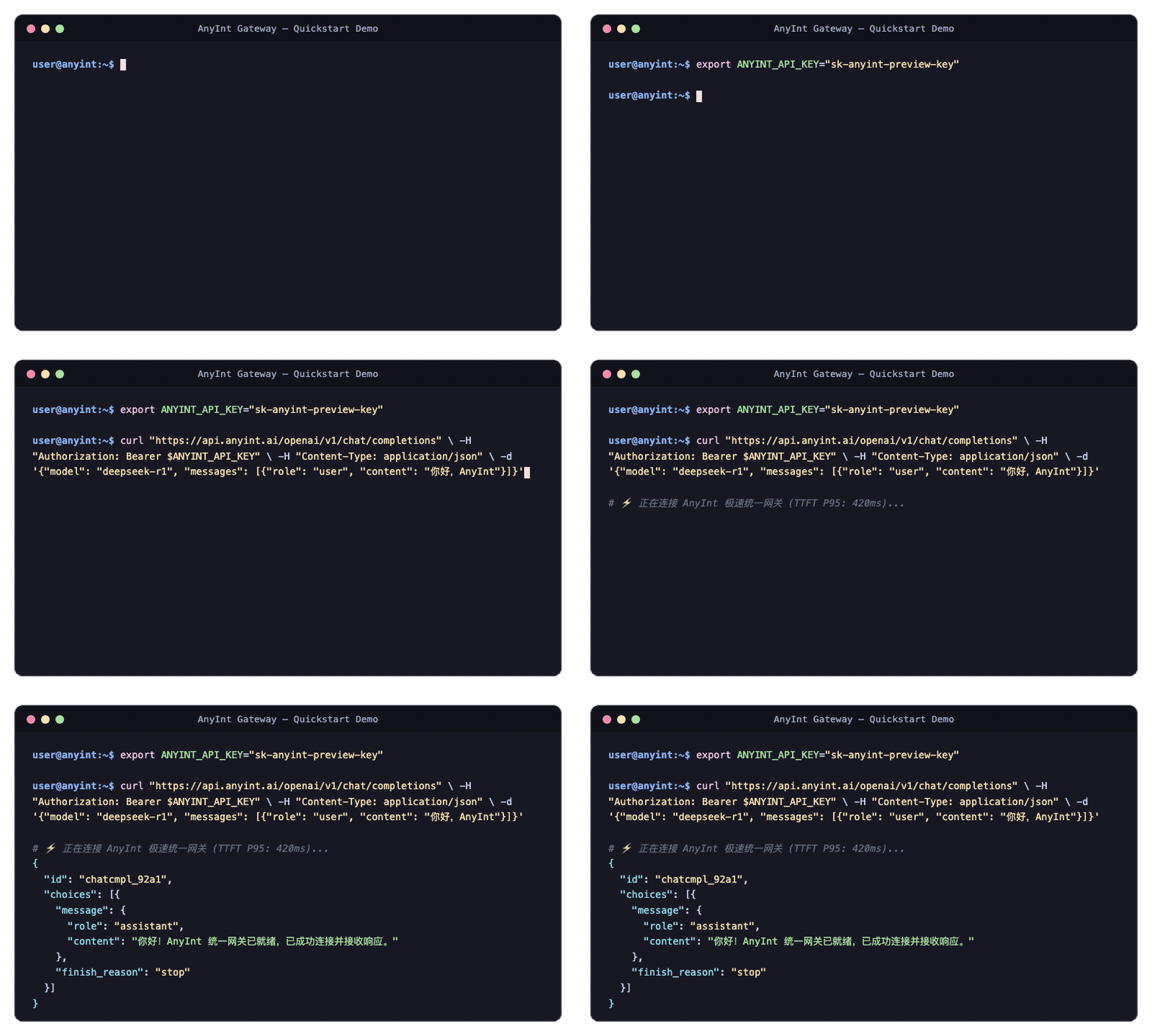
curl https://gateway.api.anyint.ai/openai/v1/chat/completions \
  -H "Authorization: Bearer $ANYINT_API_KEY" \
  -H "Content-Type: application/json" \
  -d '{
    "model": "claude-sonnet-4-6",
    "stream": true,
    "messages": [
      {"role": "system", "content": "You are a concise assistant."},
      {"role": "user", "content": "Say hello from AnyInt."}
    ]
  }'

With stream: true, the route returns SSE chunks. Each event contains a chat.completion.chunk payload and the stream ends with [DONE].

Discover model IDs first

Use the published models route to inspect what is available to your account before hardcoding model names.

curl https://gateway.api.anyint.ai/openai/v1/models \
  -H "Authorization: Bearer $ANYINT_API_KEY"

Anthropic-compatible clients can also call GET /anthropic/v1/models with x-api-key and anthropic-version headers.

Typical response fields:

  • data[].id: the model ID you should send in later requests
  • data[].display_name: a human-friendly label
  • data[].created_at: the model publish timestamp

When to switch away from the OpenAI-compatible route

NeedRead next
Claude-style message blocks, image input, or token countingAnthropic Compatible API
Gemini-native generateContent, streaming, image generation, or function declarationsGemini Compatible API
Image and video generation through DashScopeMedia APIs
Song generation, covers, stems, lyrics, or MV workflowsAI Music Overview

Before production

Use Verify Your Integration to confirm your API key handling, model discovery, streaming behavior, async task polling, callback handling, and retry behavior. AnyInt does not require a payment-style test-card workflow for normal AI API integrations; verify the public API contract directly with your own account and safe sample prompts.

On this page